 Ultron AI






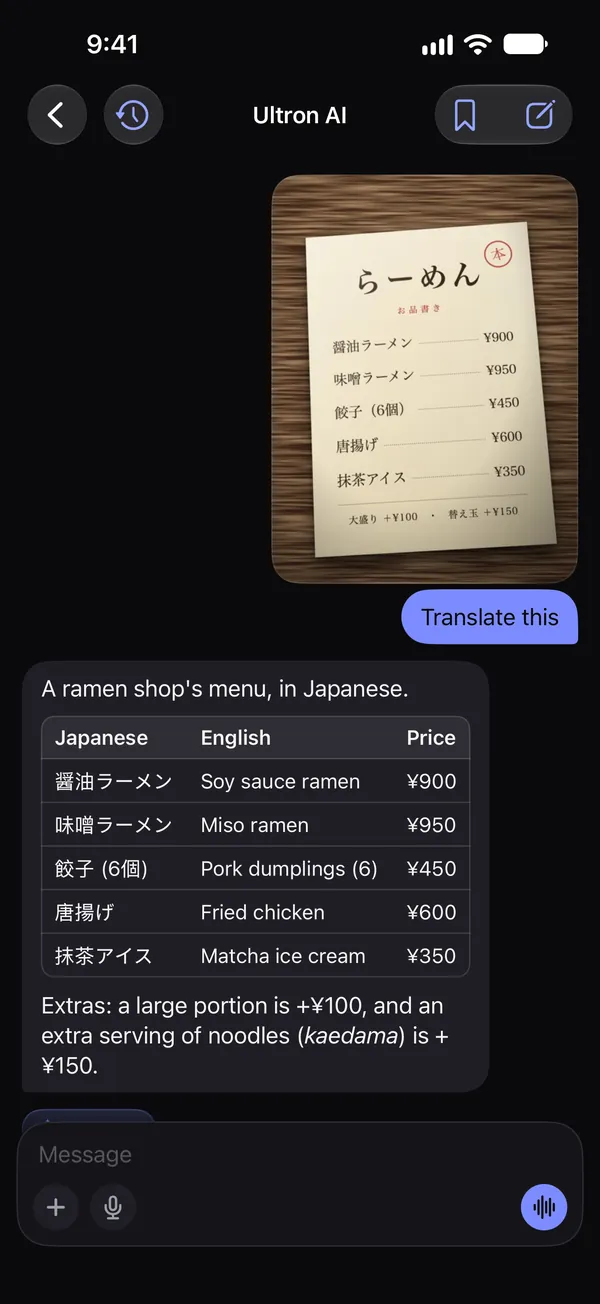
Translate what you see
Point your camera at a menu, a sign or a label. Translate it, have it explained, copy the text or look it up. The menu translator →
New in 2.1 Pictures · Voice · Record and ask
A personal AI assistant for iPhone and iPad. Type a question, say it out loud, point your camera at it, or ask for a picture.
Translate this menu
 Free to download. No account needed.
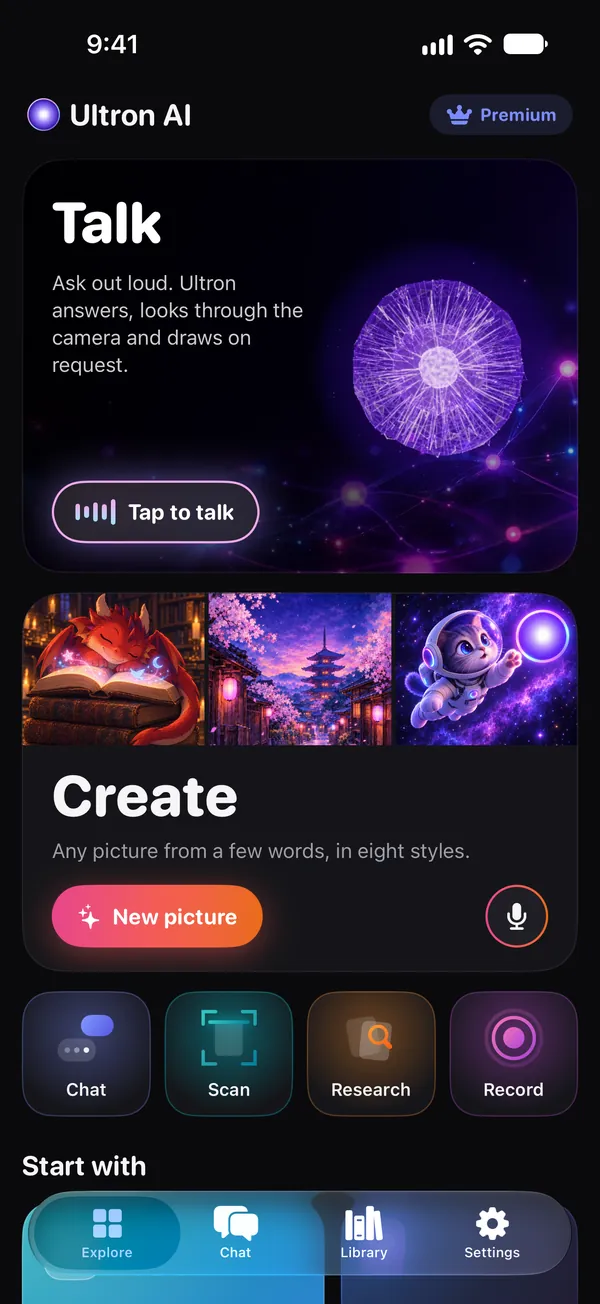
New Create pictures
Describe a picture, or say it, and Ultron draws it. Then change it with a few words, like “Make it night” or “Add snow”, and the rest stays as it is. Your pictures are kept in your Library.
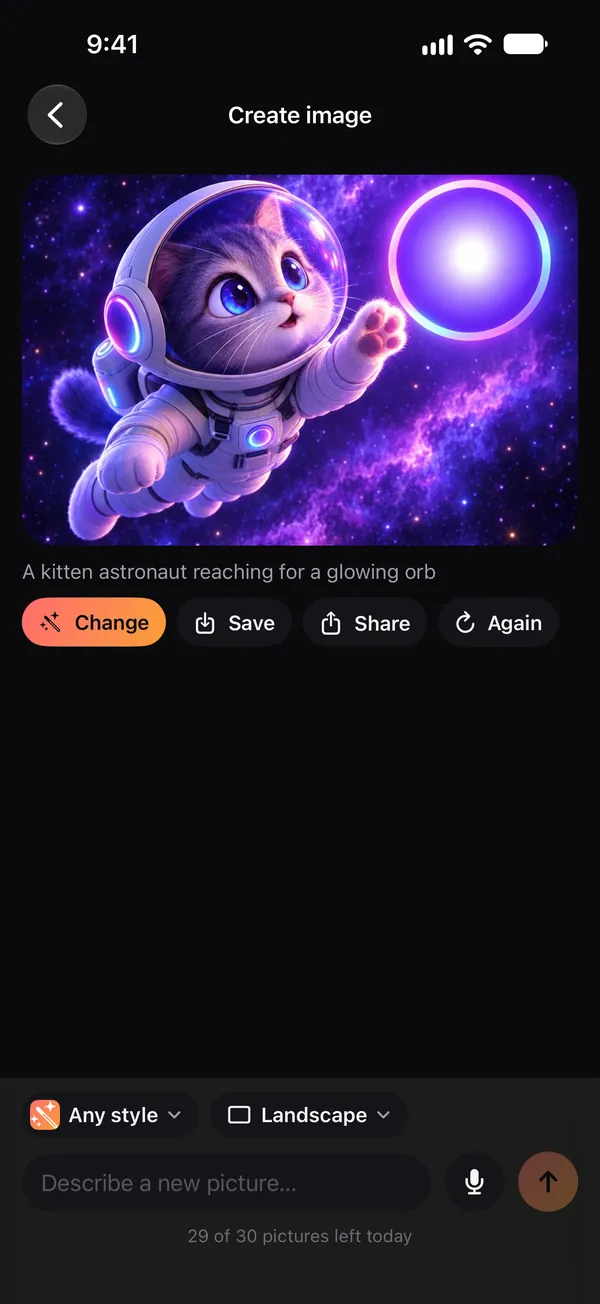


Change it with words
Say what to change, and only that changes. The street, the lanterns and the pagoda stay where they were; the sky turns to night. Drag the handle to compare.
Make it night


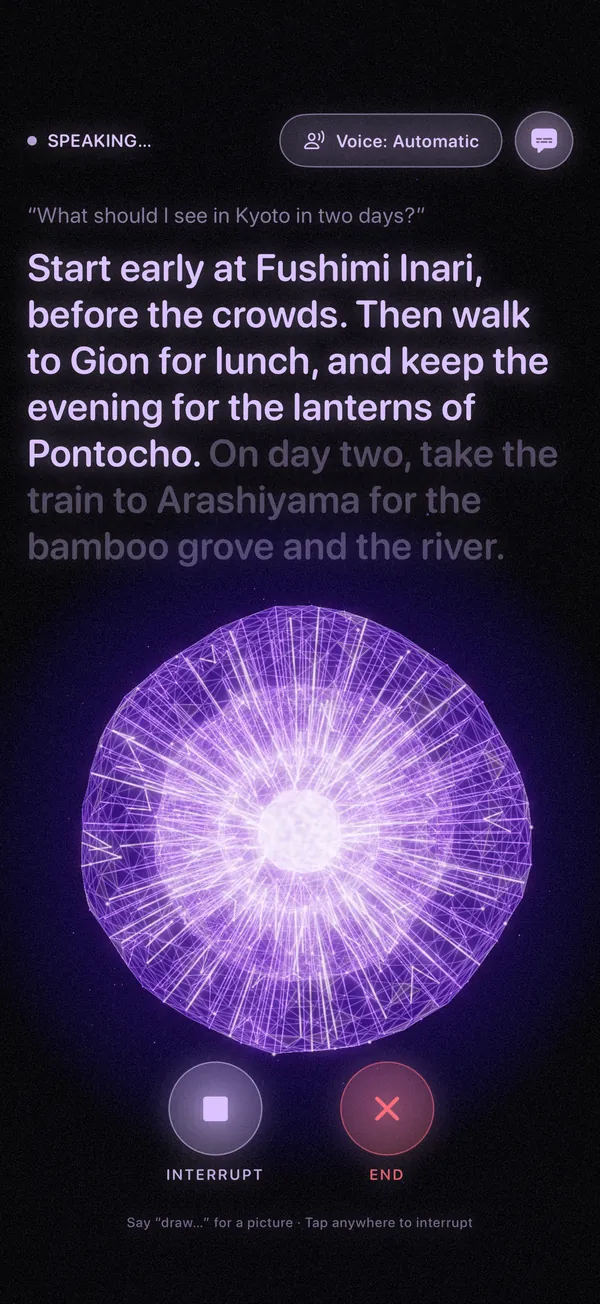
Voice mode
A spoken conversation, with large captions to read along and a voice you choose. Say “draw…” and a picture appears while you talk. What you say is recognized on your device.
Start early at Fushimi Inari, before the crowds. Then walk to Gion for lunch, and keep the evening for the lanterns of Pontocho.
New Record and ask
Record a lecture, a class or a meeting, or open a voice memo, and watch it written down as it’s said, right on your device. Then get a summary with the time of each point, make flashcards, and ask about it.
The lecture recorder, in detail →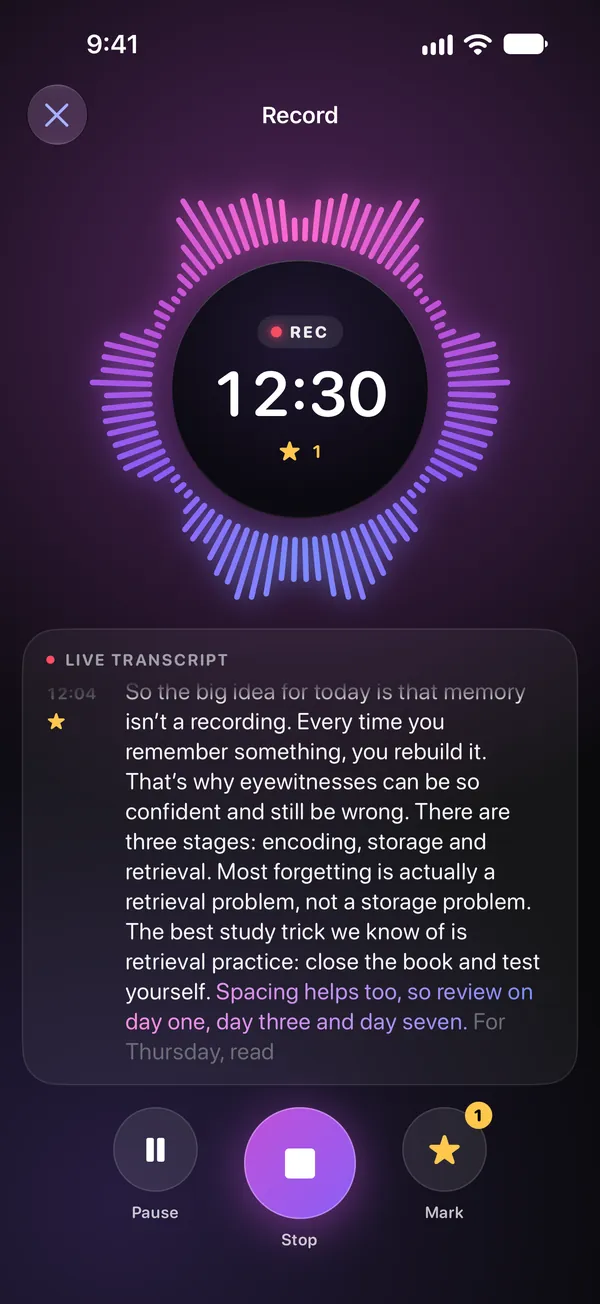
And the rest
The camera, deep research, your documents and a memory you control, in the same app.
Point your camera at a menu, a sign or a label. Translate it, have it explained, copy the text or look it up. The menu translator →
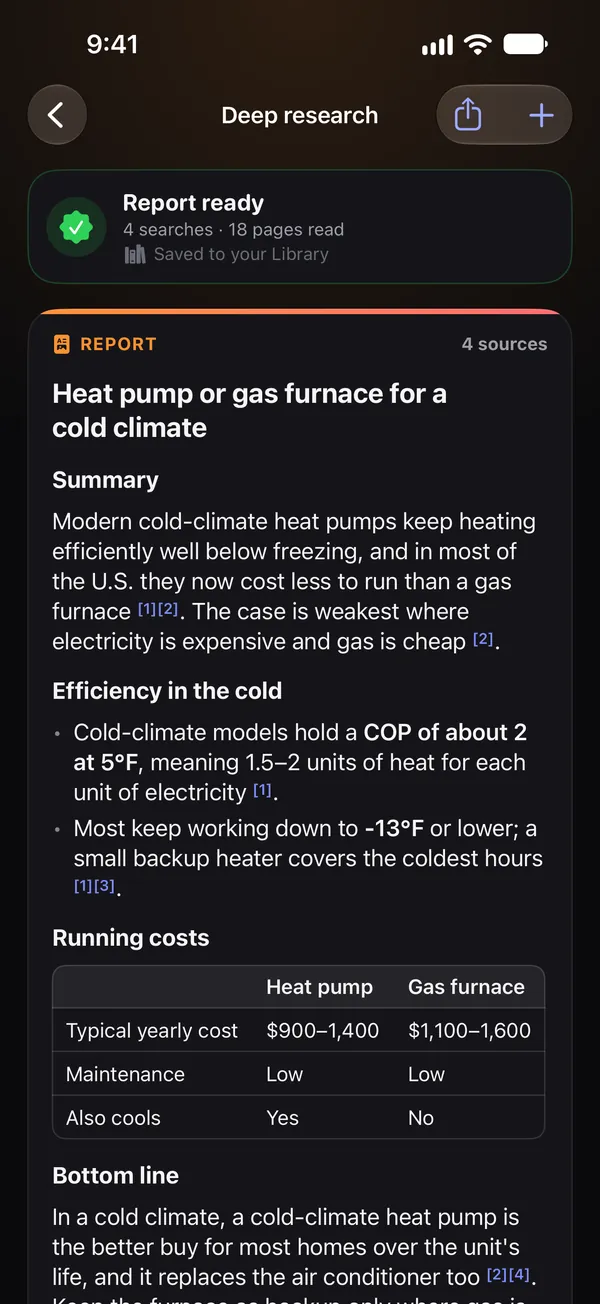
Deep research searches the web for you and writes a report with its sources. You see the plan before it starts.
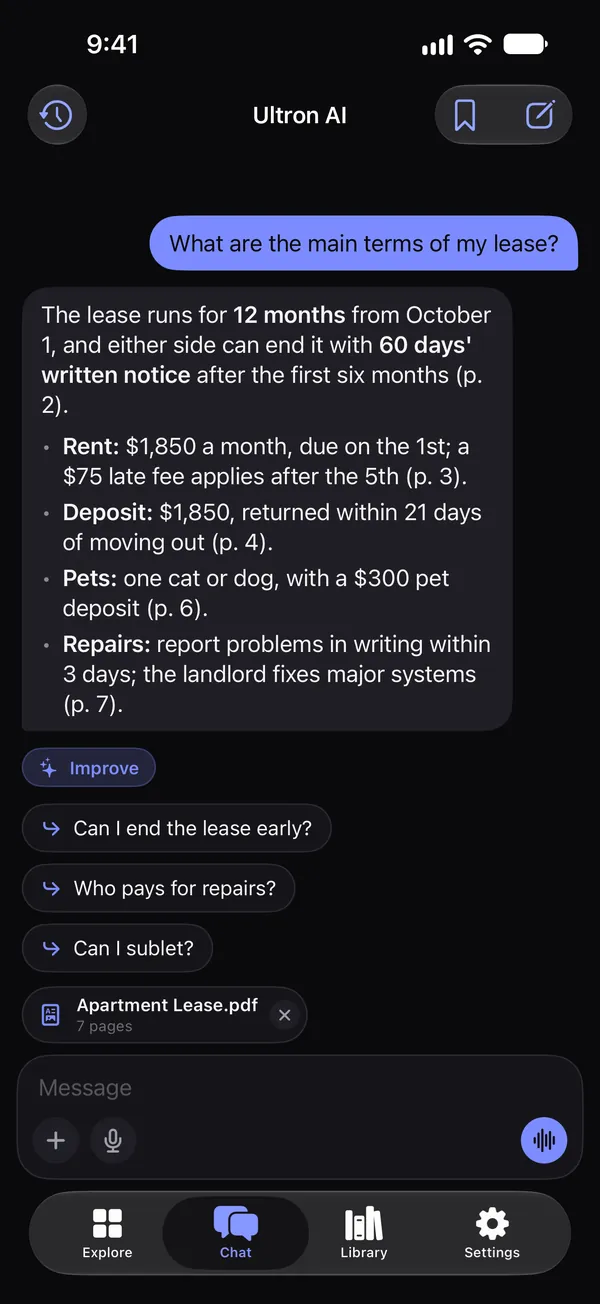
Attach a PDF, a Word or text file and ask about it. Answers say which page they come from, and the file never leaves your device.
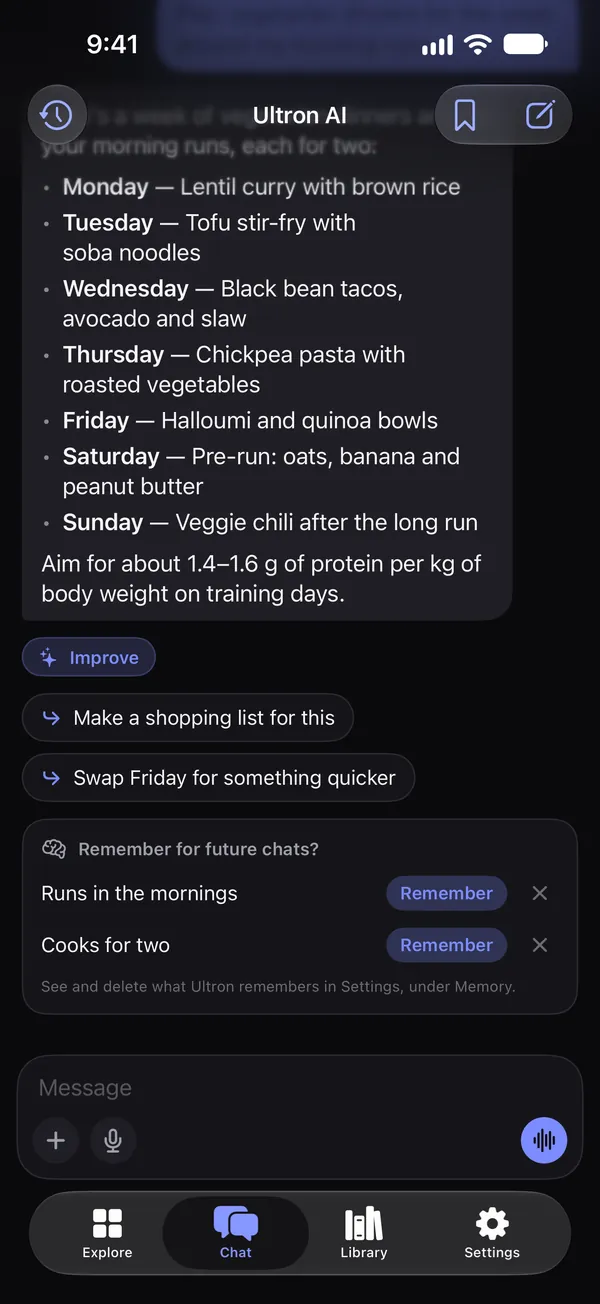
Ultron offers to remember what matters to you, and you can see, change and delete all of it in Settings.
Ask Siri to start a chat, a talk, a scan or a picture. Follow a recording or a report in a Live Activity.
On the outer display, the home and every screen are laid out for its shape, with the bar at the side.
When your free messages run out, or you’re offline, Apple Intelligence answers right on your device, where it’s available.
Say “Remind me to call Mom at six.” Ultron prepares it, and one tap adds it to Reminders.
New iPad
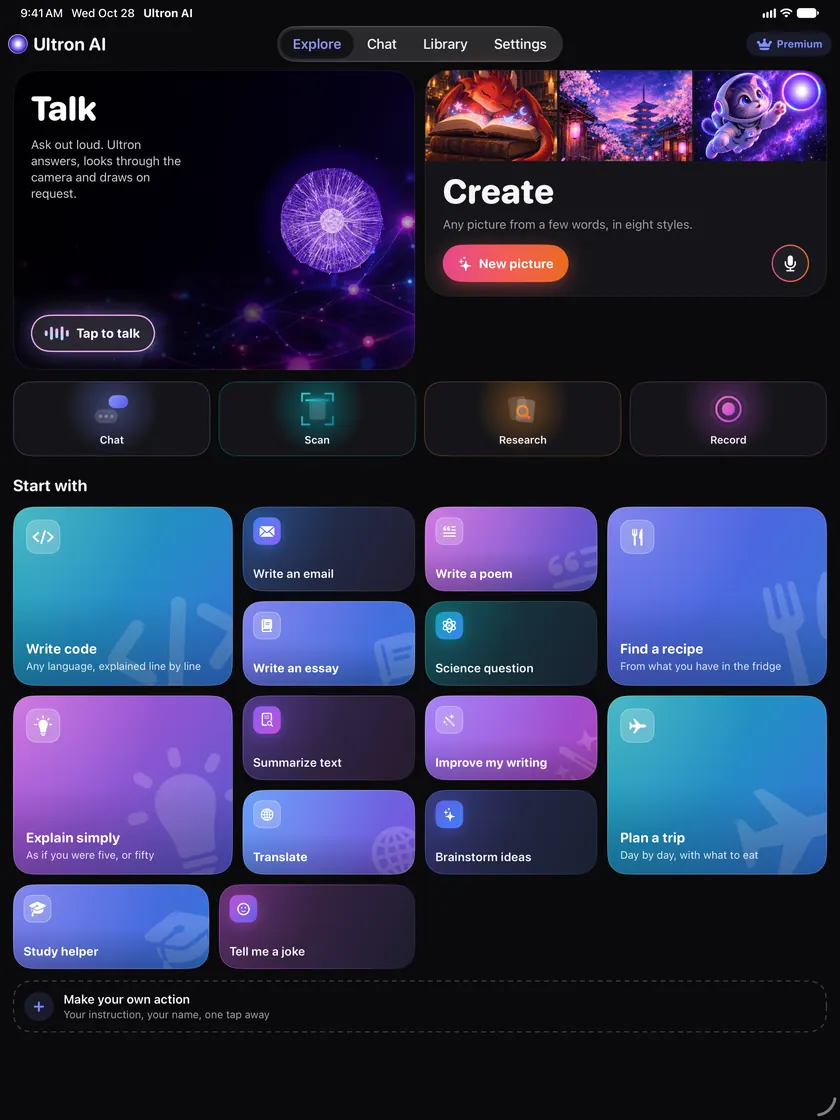
The same app, laid out for the big screen: the chat keeps a reading width, the home shows everything at once. Drop a photo or a PDF into a chat to ask about it, and start a new chat or send with the keyboard.
Free and Premium
No account, no card to try it. Premium is a subscription through the App Store; the price is shown in the app before you buy.
Every install, no sign-up
Weekly, monthly or yearly, through Apple
Renews automatically unless canceled at least 24 hours before the end of the period. Manage it in your Apple Account settings.
Private by design
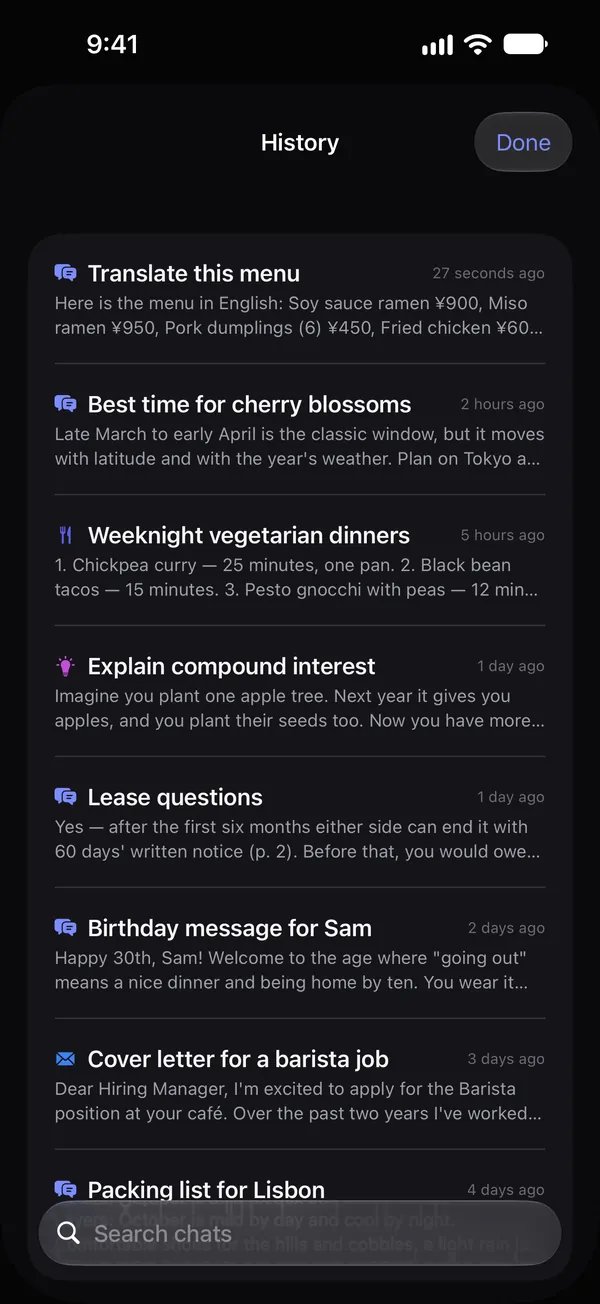
Your conversations are stored on your device, not on our server. Answers and pictures come from OpenAI’s models, and the app asks before your first message is sent.
Free to download, for iPhone and iPad with iOS 17 or later.